
Related terms people compare
- online invoice generator
- invoice maker
- invoice format PDF
- billing software
- payment reminder workflow
Telegram Bot
Link a Telegram chat to your workspace and raise a GST-correct invoice, send the PDF, record a payment or chase an overdue client without opening the app. Setup takes about a minute and the link is reversible at any time.
Link a Telegram chat to your workspace and raise a GST-correct invoice, send the PDF, record a payment or…

Availability: the bot is switched on per workspace rather than for every account. If it replies that it is not enabled for your workspace, that is the gate and not a fault — ask support to turn it on.
This is the same list the bot returns for /help.
| Command | What it does |
|---|---|
/login or /start | Connect your workspace |
/workspace | Show the linked workspace and monthly quota |
/clients [search] | Fetch saved clients from your dashboard |
/newinvoice | Guided invoice creation |
/invoices [search] | List recent invoices |
/invoice <number> | Open one invoice as context |
/editinvoice <number> | Guided field editing |
/additem <number> | Add another line item |
/sendinvoice <number> | Mark sent and return the share URL |
/shareinvoice <number> | Create a secure share link |
/pdf <number> | Send the invoice PDF into the chat |
/sendreminder <number> | Trigger the reminder email flow |
/recordpayment <number> | Guided payment recording |
/voidinvoice <number> | Void, with a confirmation step |
/deletedraft <number> | Delete a draft, with a confirmation step |
/unlink or /logout | Disconnect this chat from the workspace |
/workspace shows where you stand./login again for a fresh one.Prefer to work in the browser? The free invoice generator needs no account at all, and the GST invoice generator handles the tax split for you.
Create an invoice through a guided conversation, reusing clients already saved in your workspace
Ten invoices per calendar month on the default configuration, unless your workspace is set to unlimited
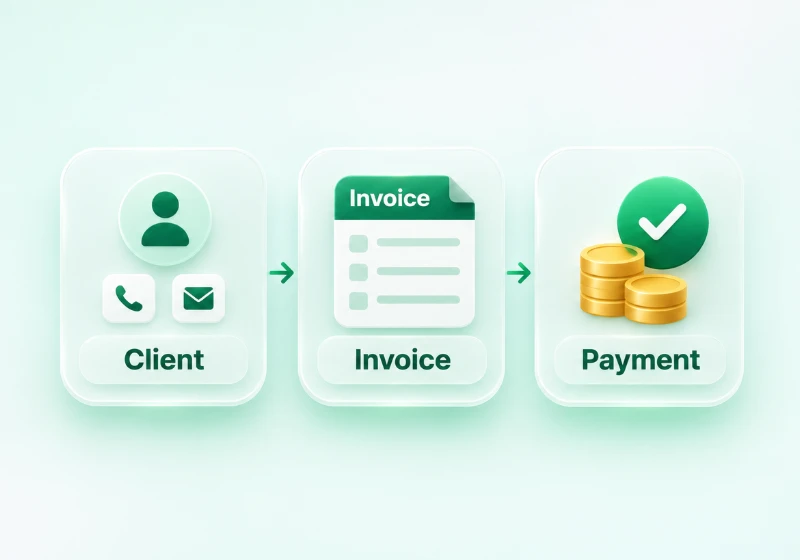
A useful invoice telegram bot should help you move from question to usable document quickly. Start with the business context, recipient details where relevant, dates, amounts, taxes, terms, and the next action. For everyday work, this keeps invoice from telegram clear enough for freelancers, agencies, consultants, and small teams without rebuilding the workflow every time.
| What to check | Why it matters | InvoiceGennie flow |
|---|---|---|
| Document details | Number, date, validity, and due date reduce approval confusion. | Edit the page directly and download the PDF immediately where the editor is available. |
| Review fields | Correct identity, amount, and tax details avoid back-and-forth later. | Use related tools and examples to keep the next step consistent. |
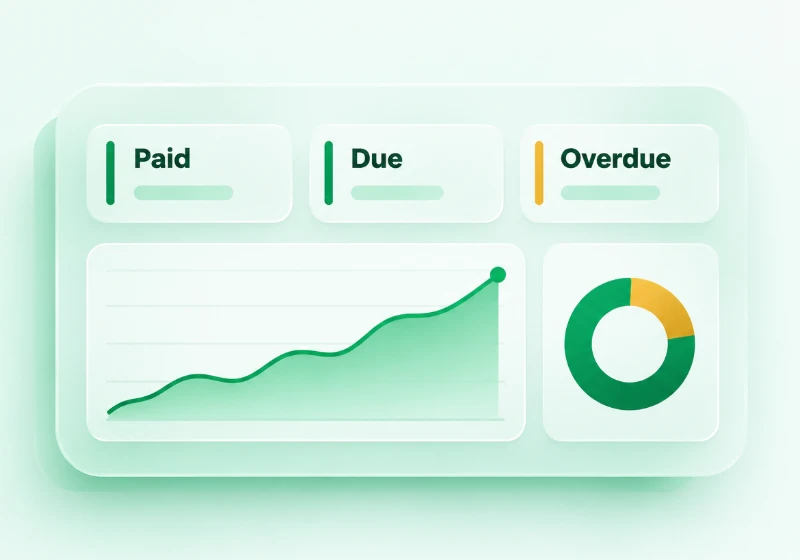
| Workflow next step | One-off documents are useful, but tracking matters once volume grows. | Move to the dashboard when you need saved records and follow-ups. |
In 2026, buyers expect billing workflows to be fast, readable, mobile-friendly, and easy to revise. Ten invoices per calendar month on the default configuration, unless your workspace is set to unlimited If you use this invoice telegram bot once, keep the output simple. If you repeat the same workflow every week, save clients, standardize terms, and track follow-ups in one workspace.
The fastest path is to use the invoice telegram bot above, download the result, and move into InvoiceGennie when you need saved clients, reminders, payment tracking, and cleaner billing records.
Not yet. It is enabled per workspace, and individual actions can be switched off separately. If the bot replies that it is not enabled for your workspace, that is the gate rather than a fault — contact support to have it turned on.
Ten per calendar month on the default configuration. Workspaces can be set to unlimited. Use /workspace to see which workspace you are linked to and how much of the monthly allowance is left.
A link code is valid for 15 minutes. Send /login to the bot again and it will issue a fresh link and code. The code is single use, so an old message will not work even inside the window.
A guided flow is kept for 30 minutes of inactivity, then discarded so a half-finished invoice cannot be resumed days later against stale data. Start again with /newinvoice — nothing was saved.
Linking requires signing in on invoicegennie.com and entering a code the bot sends, so the chat cannot be attached to a workspace you cannot already access. Use /unlink at any time to disconnect that chat.
The link is tied to one Telegram chat and the person who authorised it, so use it in your direct chat with the bot. Anyone else in a group would be acting as you.
Use these linked tools to complete your billing and collections workflow.
Tool
Create GST invoices online with CGST, SGST, or IGST-ready totals, GSTIN fields, HSN or SAC-friendly lines, and downloadable PDF output for India billing.
Tool
Use InvoiceGennie free invoice generator to create invoice PDF online. Add GST, HSN or SAC, UPI QR, logo, client details, and download without signup.
Tool
Create professional payment reminder messages with invoice details, due date, and outstanding amount.
Practical guides that help teams execute invoicing and accounting workflows faster.
Guide
Learn how to create a professional invoice with GST, payment terms, and due dates using a simple step-by-step framework.
Guide
Copy-paste payment reminder messages for WhatsApp: before due date, due today, overdue and final notice, plus a Hinglish version. Edit and send in seconds.
Browse professional invoice, receipt and credit note templates.
Client-retainer and milestone invoice examples for agencies.
Structure winning quotes with terms, taxes and validity.
Use proforma formats before goods dispatch or project kick-off.
See how to bill retainers with period coverage, scope summary, and payment terms.
Learn the billing structure Indian service teams use for GST-ready invoices.
Create, send and chase invoices with reminders, payment records and GST-aware reporting from one workspace.